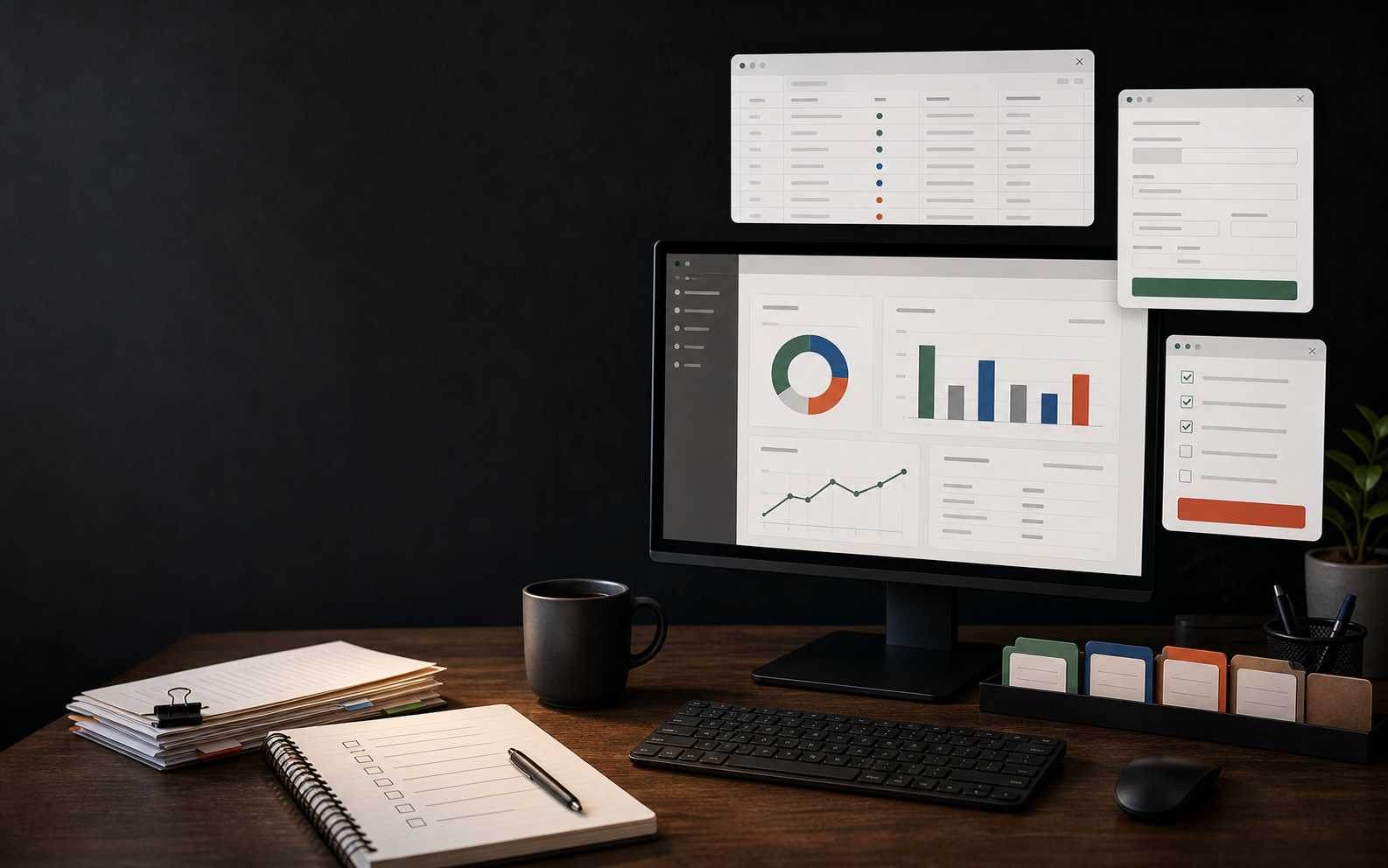
Better tools for the work your team already does.
I connect the tools your team already uses, take the repeat work off their plate, and let AI handle the parts it does well. The system keeps moving without anyone watching it, so people get their time back for work that needs a human. Let's build it.
Work that pays back
What I build
Useful systems that fit how your team already works.
Files and data
Turn spreadsheets, server folders, and loose records into a clean place your team can trust.
Databases
Databases shaped around jobs, clients, invoices, inventory, vendors, and the way work actually moves.
Dashboards
Clear views of cash, job status, follow-ups, quality checks, and anything that needs fewer surprises.
AI tools and prompts
Codex or Claude Code setup, plug-ins, reusable prompts, and small utilities for repeated tasks.
Automations
Internal notifications, customer emails, invoice reminders, status updates, and checks before expensive steps.
Training
I teach employees how to update the tools, read the dashboards, and fix normal changes after launch.
Does your company take advantage of Codex or Claude Code?
Put AI assistants such as Claude Code or Codex to work on repeat business tasks: checking data, drafting updates, preparing customer emails, generating reports, and building small internal tools. I can help.
I set up automations, plugins, skills, MCP connections, permissions, and reusable prompts so the assistant knows where to work, what to check, and when to ask a person.
Codex
Draft a small invoice-checking tool from this spreadsheet.
Claude Code
Review the workflow and write the handoff steps.
MCP
Connect approved files, dashboards, and software tools.
Accuracy first. Money follows.
Manual work creates too many chances for human error: missed fields, duplicate entry, late invoices, quiet status changes. I build automation, verification steps, reporting, and monitoring so the work is easier to check and easier to trust.
SavedFewer avoidable mistakes, with checks before work moves on.
EarnedAutomated quoting, billing, and follow-up move faster.
ProtectedCleaner decisions before cash, labor, or inventory gets committed.
Waste drops. Margin gets a little more room to breathe.
Examples of small tools and dashboards
These are the kinds of things I can build around your company data and routines.
Project tracker
Status, owner, due date, and next step in one view.
Invoice builder
Create clean invoices from job data, then track what still needs attention.
Automated notifications
Send internal notifications and customer emails when the work hits the right point.
Cash flow snapshot
Simple in and out views, built from records you already have.
Reorder list
Know what is low, what to buy, and what can wait.
Summarize this job file for billing.
Prompt kit
Reusable instructions for the repeat work your team asks AI to do.
How the project moves
I start with the highest-value workflow, define the business win, then build a system your team can run with confidence.
Set the business target
We choose the workflow where better speed, accuracy, or follow-up will matter most.
Build with company data
I use your spreadsheets, exports, databases, and software paths where they already exist.
Verify the workflow
We check the reports, alerts, handoffs, and exception cases before the team relies on it.
Train the team
Your team gets guides, examples, and support so the system stays useful after launch.
Simple pricing. Clear scope. Fast start.
Each project starts with a clear plan, a fixed price, and a clean handoff.
One Week Build
$900
One focused tool, dashboard, or simple database.
- Discovery and plan
- One useful build or simple database
- Organize unstructured data
- No live software connectors
- Practical handoff guide
- One follow-up call
Two Week Build
$2,700
A connected workflow, dashboard, or database setup.
- Everything in Basic
- Handle more complex data
- One to two dashboards or small tools
- Connect to one existing database or software tool
- Automation, prompt kit, or AI coding setup
- Team training and two weeks of support
One Month Build
$5,000
A fuller system for one part of the business.
- Database, dashboards, and clear data paths
- Two to four custom tools or automations
- Connect up to three existing databases or software tools
- Codex or Claude Code setup where useful
- Employee training and maintenance notes
- Four weeks of post-launch support
If something sits outside the agreed plan, I will explain it before I do the work. Extra work is billed at $40/hr.
Your team learns it. Your team owns it.
I do not want to leave behind a mystery box. I document the system, record short walkthroughs when they help, and train the people who will update it.
- Clear team guides
- Role-based training for real work
- Examples based on your files and customers
- Clean handoff, including what to change when the business changes
Let’s talk about what is costing you money.
Send a short note about the workflow, data, or decision point you want improved. I will reply with the likely project size, the business case I see, and the cleanest next step.